•
Before You Click That GTA 6 Download, Check Where It Came From
Fake preorders, beta codes and supposedly playable PC builds are borrowing GTA 6's launch buzz. Here's how to check an offer before you act.
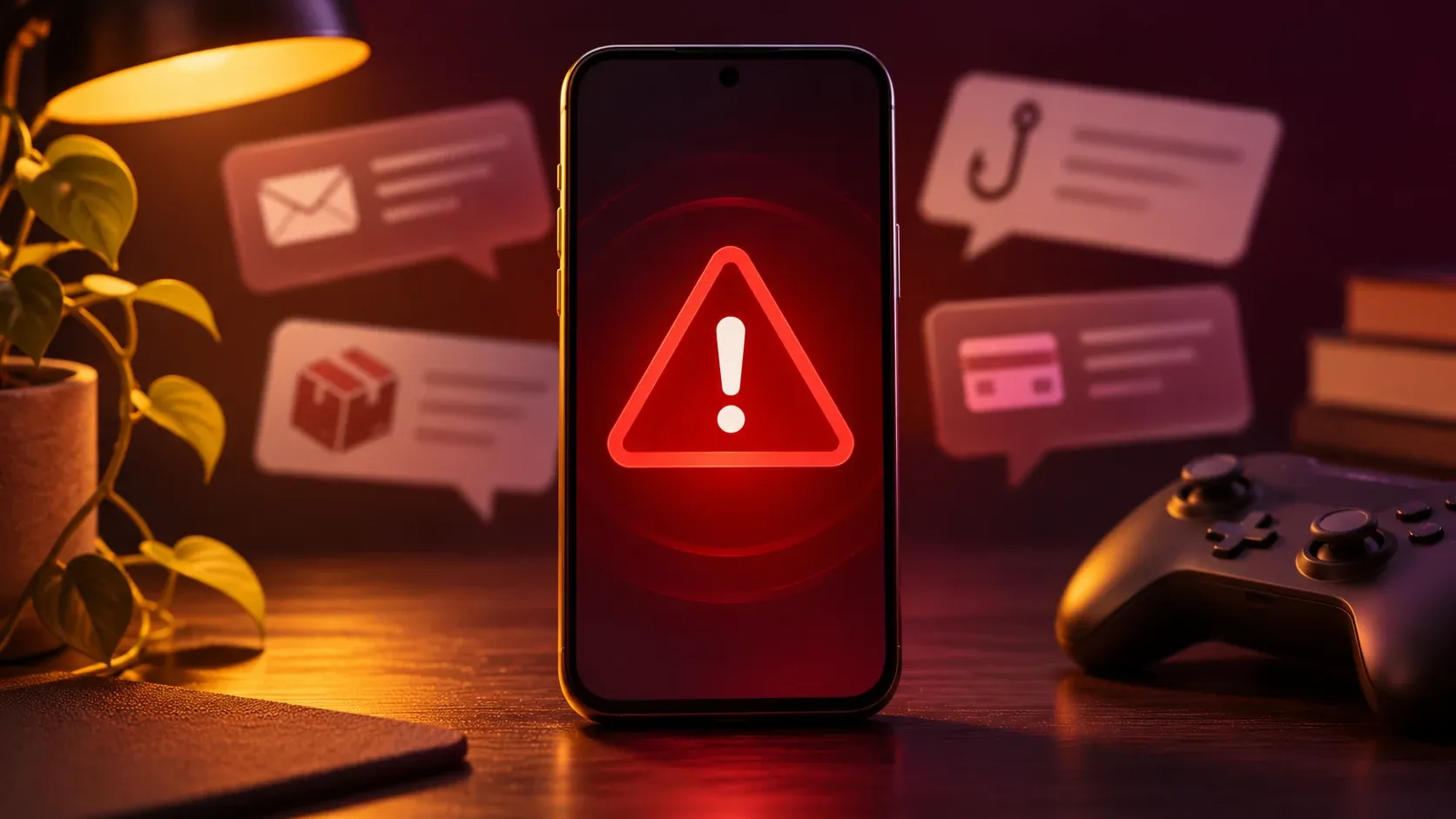
The safest way to check whether a GTA 6 offer is real is to start outside the offer. Open your console's store, or go to Rockstar's site on your own and follow the purchase options listed there. A message that takes you straight to a sign-in screen or asks you to install a file can imitate an official storefront closely enough to catch you in a hurry.
TechRadar reported that Surfshark flagged fake preorders, bogus beta keys and supposed mobile or PC downloads ahead of launch. Rockstar's announced November 19 console release covers PS5 and Xbox Series X|S. Treat a third-party installer claiming to unlock a native PC or mobile build as a red flag.
What to check before you pay or sign in
- Check your console library for the game or preload status if you've already bought it.
- Verify a promotion directly with the retailer before entering payment details.
- Keep your platform password and one-time sign-in codes out of chats and giveaway forms.
If you've already entered your details
Open the official account settings on a device you trust. Change the password if you entered it on a suspicious page, review active sessions and enable two-step verification. Contact your card issuer promptly if you entered card information or spot a charge you don't recognize.
The countdown helps scammers by giving you a reason to rush. Taking a minute to check the offer in the store is faster than getting an account back.
Source: TechRadar, Rockstar Games
Comments (0)
No comments yet. Be the first to share your thoughts!